
Science revision matched to your child's exam specification
GCSE and A Level Science revision that helps you to achieve your target grade.
- AQA and Edexcel GCSE Combined and Triple Sciences, plus AQA A Level Science in one place.
- Know what to revise, track your progress and build real exam confidence.
- More subjects including Edexcel A Level Biology, Chemistry, Physics and KS3 Science are coming soon.
Subject list in the app.
Your courses and grades on the dashboard.
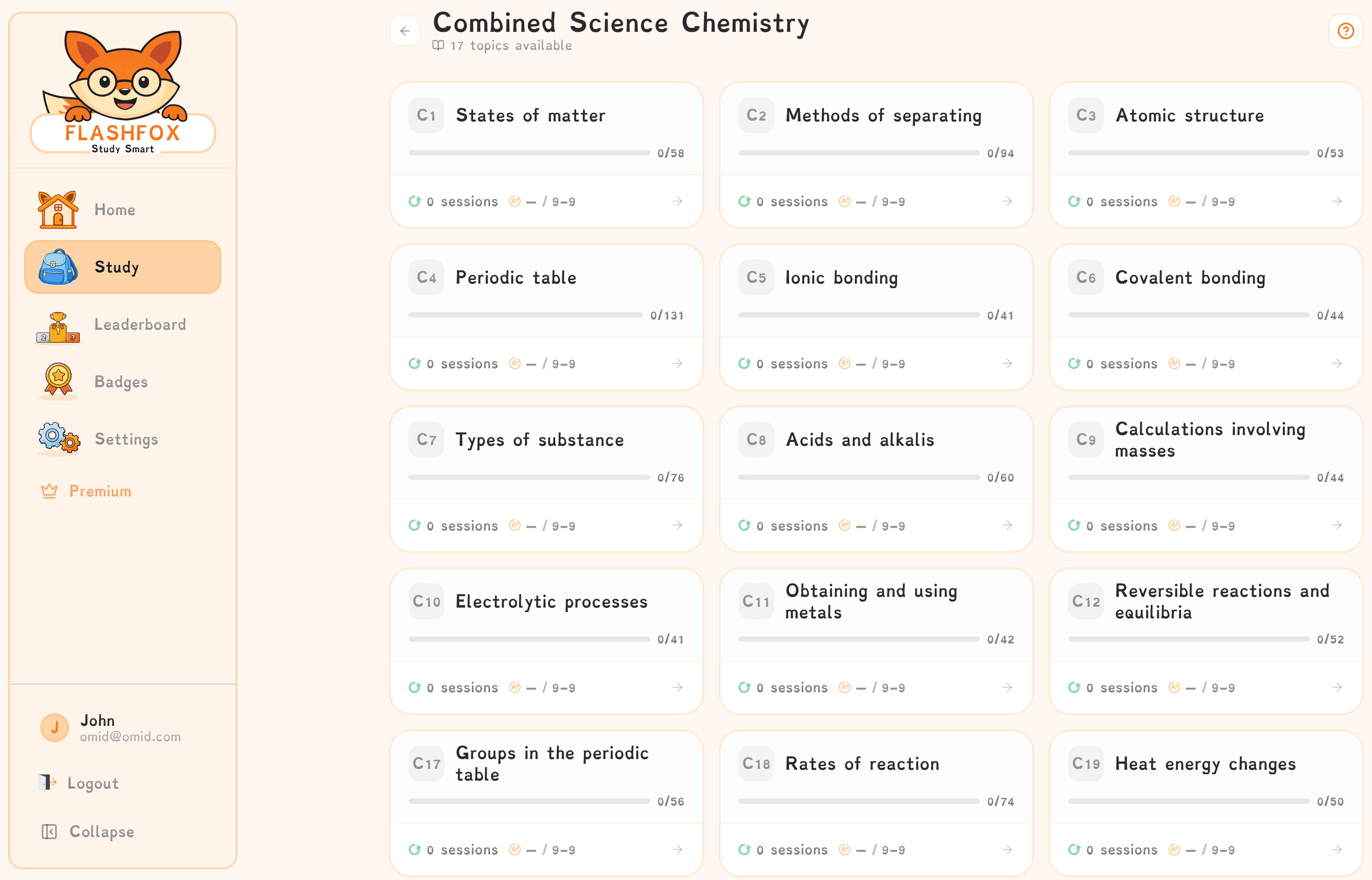
No more wondering how to revise.
Start revising with purpose.
No more making your own revision resources.
What Makes FlashFox Different?
Everything you need to revise with clarity and confidence.
The platform blends teacher-written content, measurable progress tracking and motivation systems that make revision feel organised instead of overwhelming.
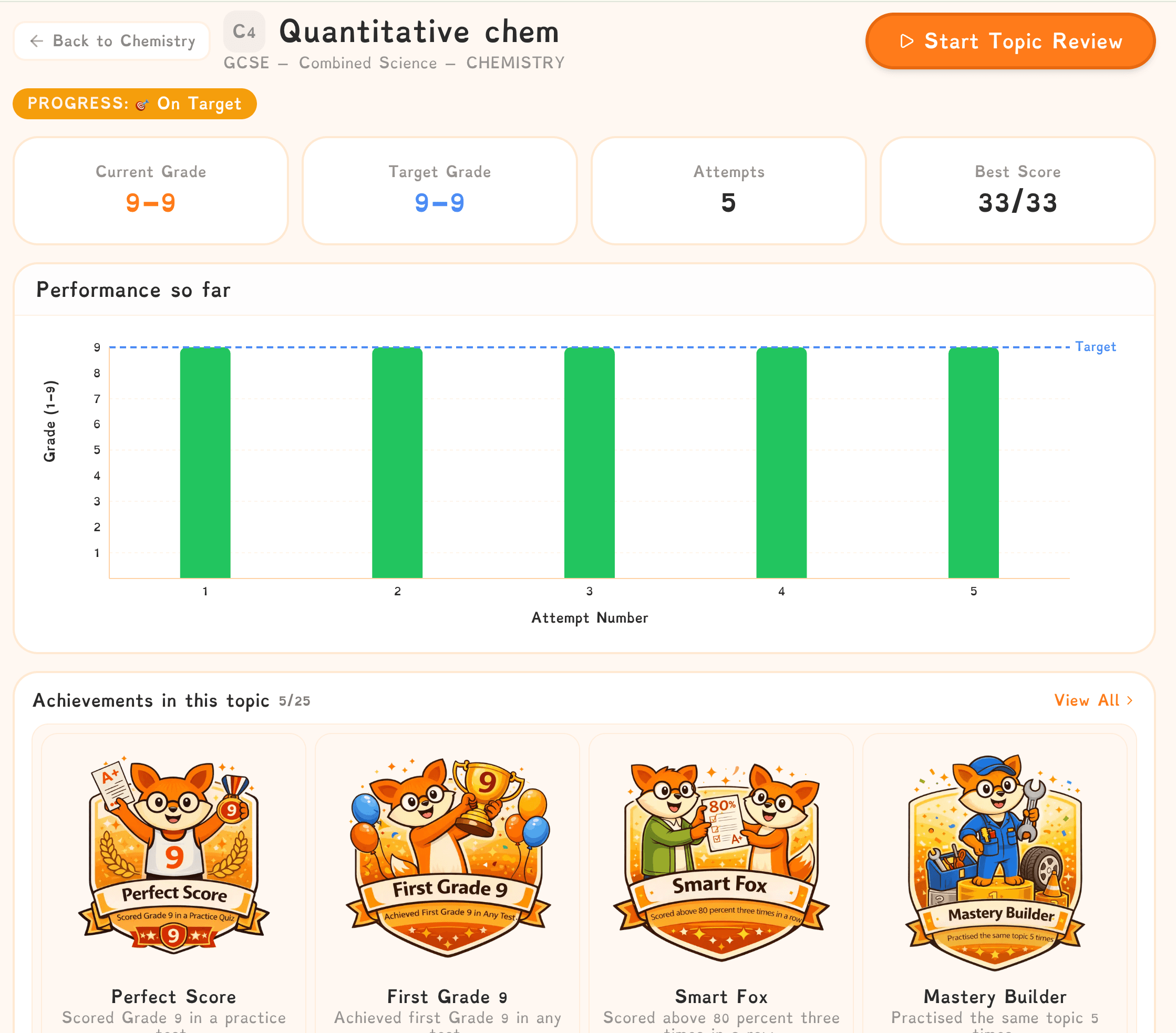
Course coverage
Everything starts with specification-aligned science revision built around the courses students actually study.
- AQA and Edexcel GCSE Combined Science
- AQA and Edexcel GCSE Triple Science
- AQA A Level Sciences
- Content matched to exam board specifications
Progress you can see
See improvement clearly instead of guessing whether revision is working.
- Progress charts that show improvement over time
- Track progress across individual topics
- Identify your strongest and weakest topics
- Indicative grade estimates based on revision activity
Motivation built in
FlashFox helps students stay motivated by rewarding consistency and showing progress over time.
- Revision streaks to build habits
- Achievement badges to reward consistency
- Optional parent progress emails to celebrate success
Ready To Use
Students can start revising straight away with structured flashcards matched to their course.
- Ready made flashcards from the start
- No need to create your own revision set first
- Quick to start and easy to return to

Accessible for all learners
FlashFox is designed to support every student, including those with additional learning needs.
- Uses Dyslexie font to support students with dyslexia.
- Soft beige background reduces visual stress.
- Improves readability and helps students focus for longer.
- Simple, uncluttered layout reduces overwhelm.
How FlashFox Works
A clear revision journey from first login to exam season.
Students choose their course, test themselves regularly and track their progress as they build stronger revision habits.
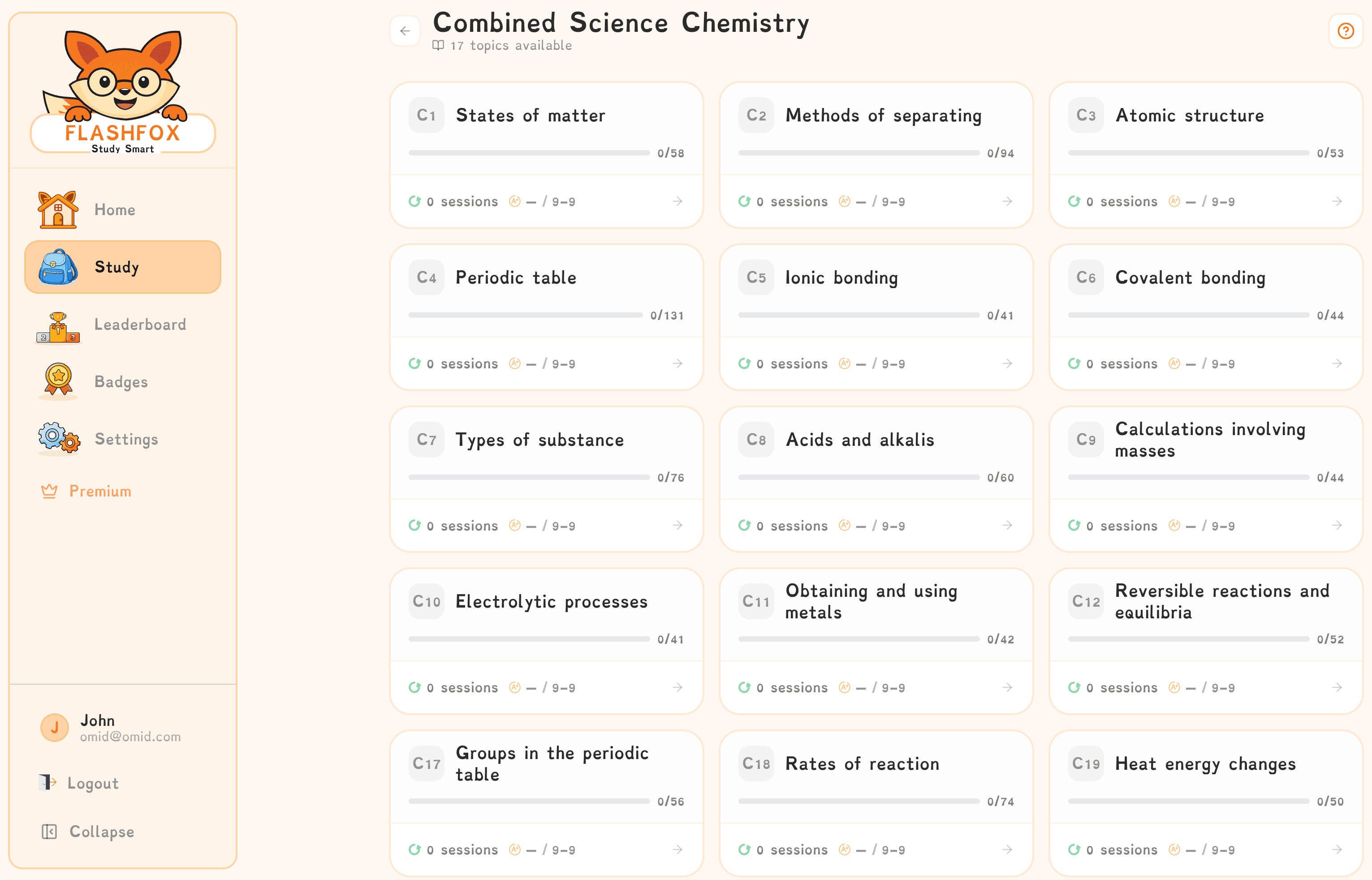
Choose Your Course and Board
Choose your exam board and subject, then start revising with content matched to your specification.
- Clear pathways.
- Specification matched content.
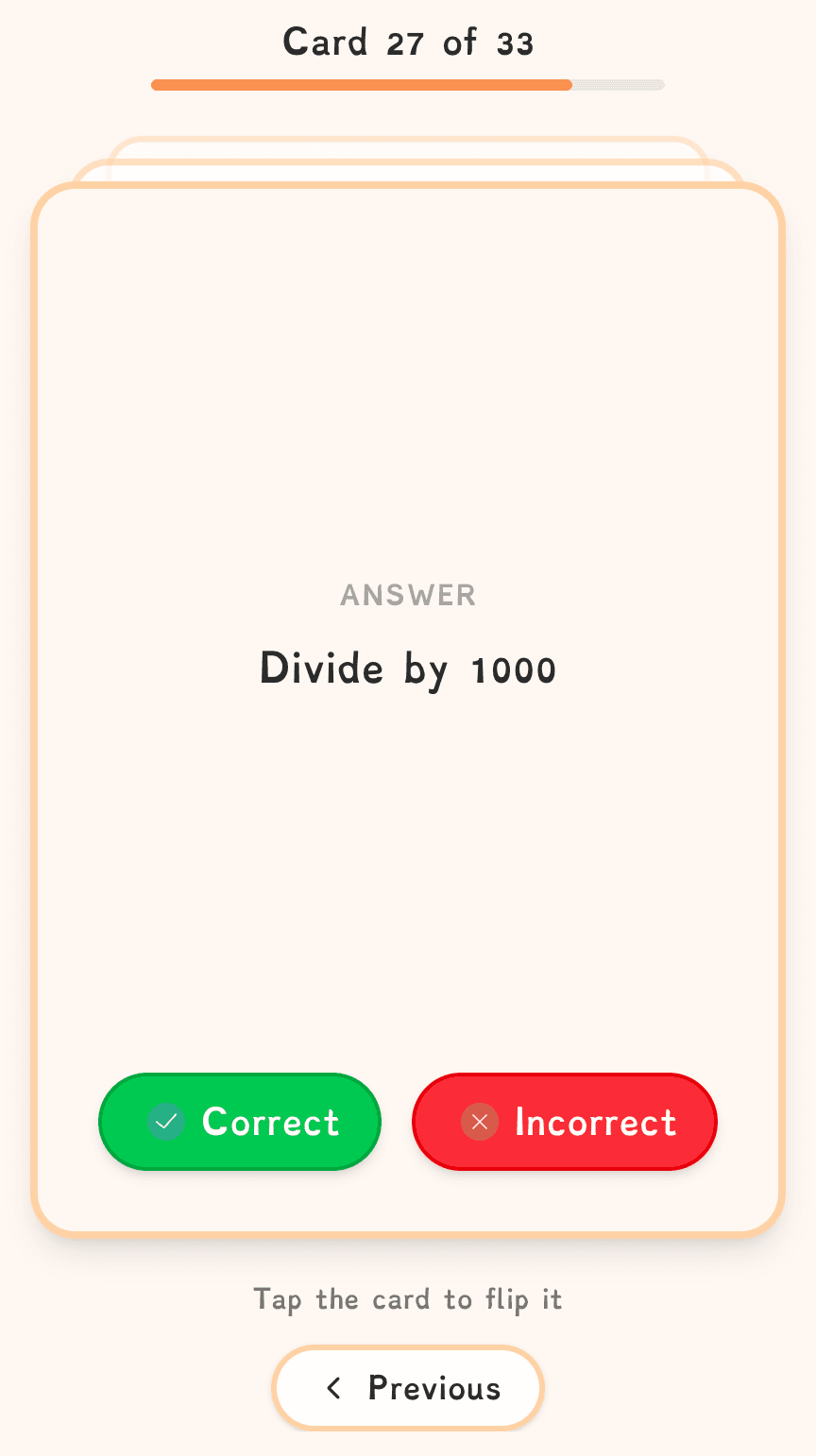
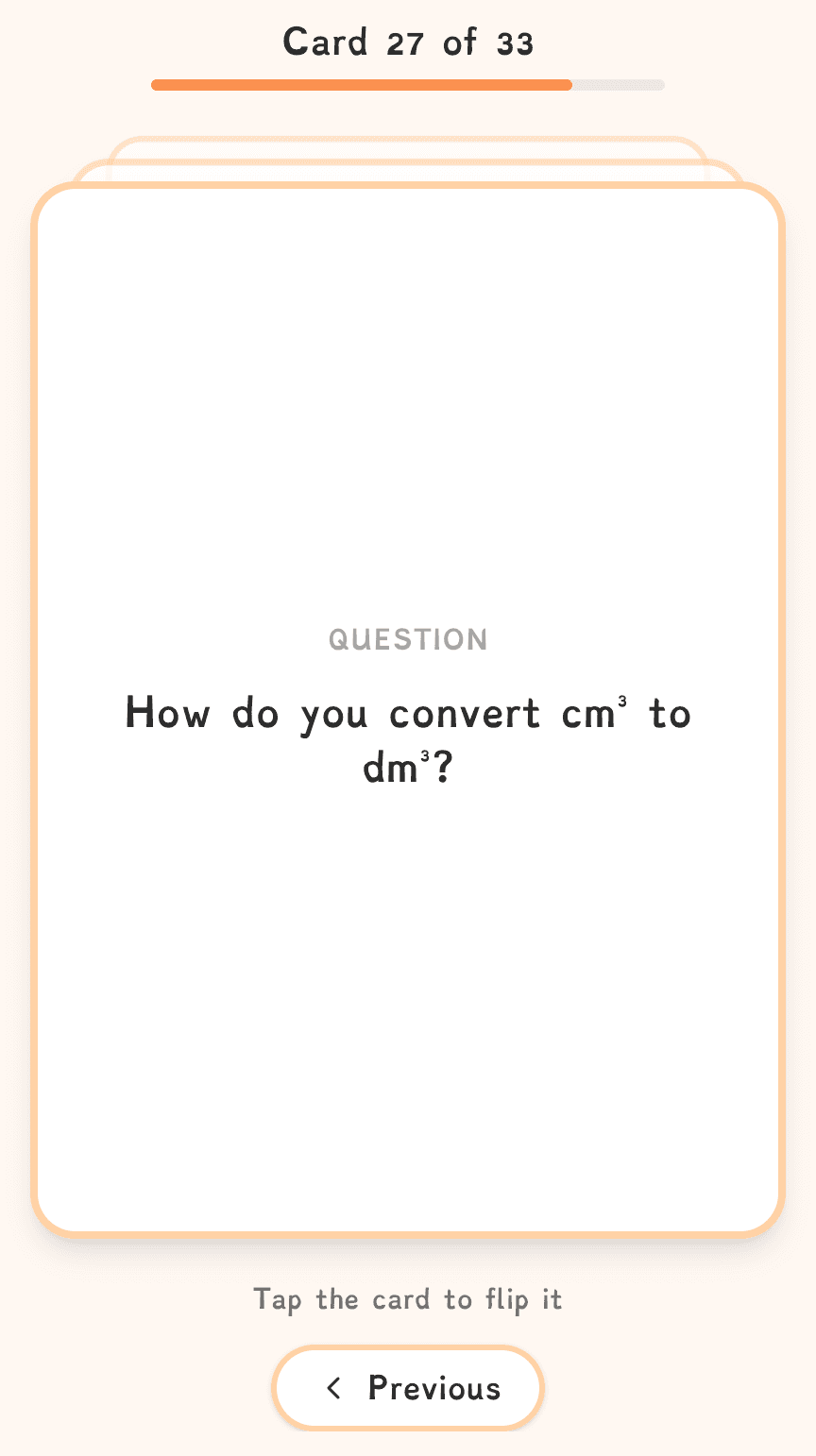
Test Yourself
Use carefully written, teacher reviewed flashcards designed for active recall.
- Teacher reviewed questions.
- Active recall focused revision.
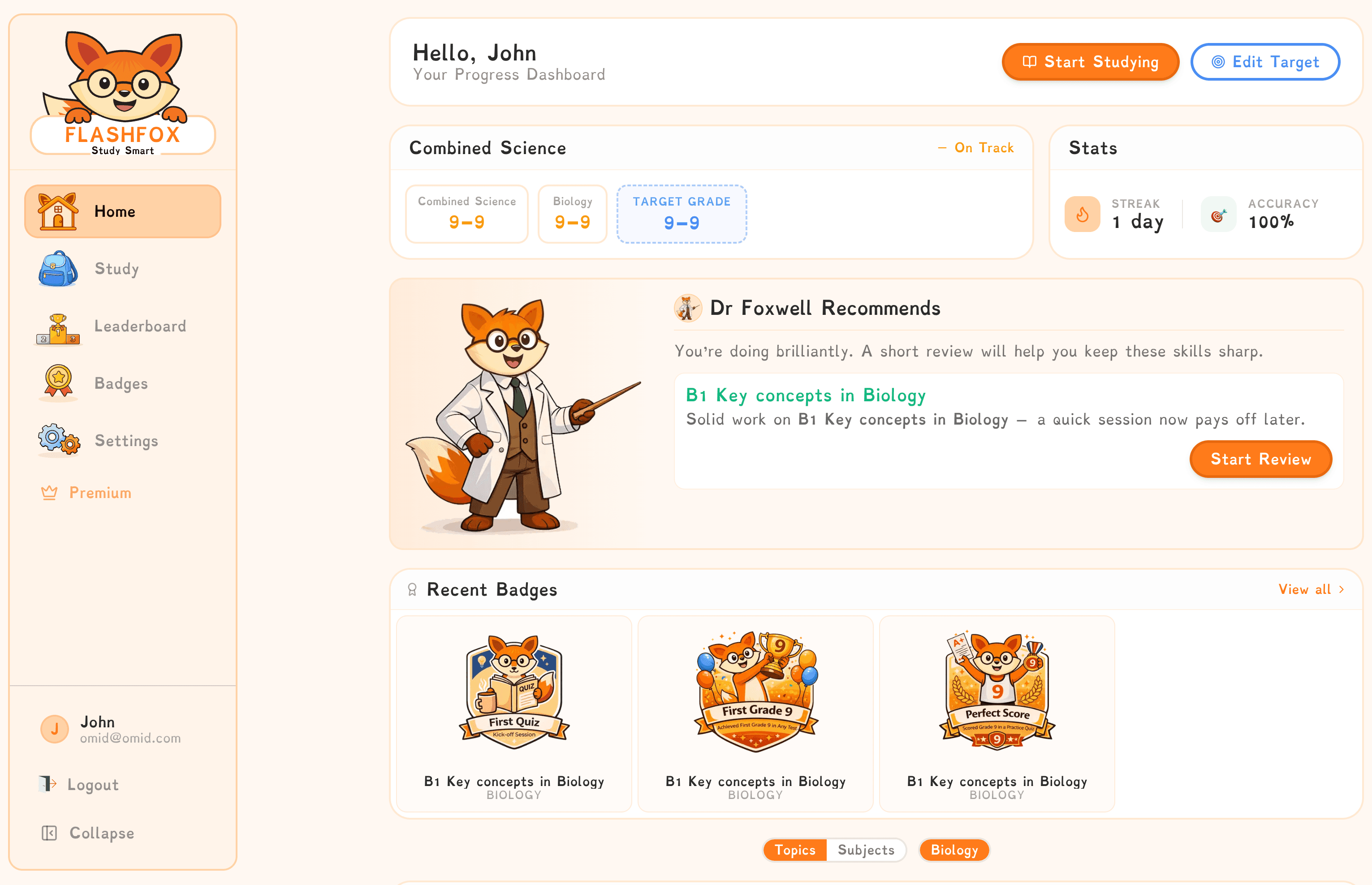
Track Real Progress
Your dashboard helps you see:
- Which topics need more revision.
- Performance trends over time.
- Your strongest topics and where to improve.
- Indicative grade estimates based on your revision activity.
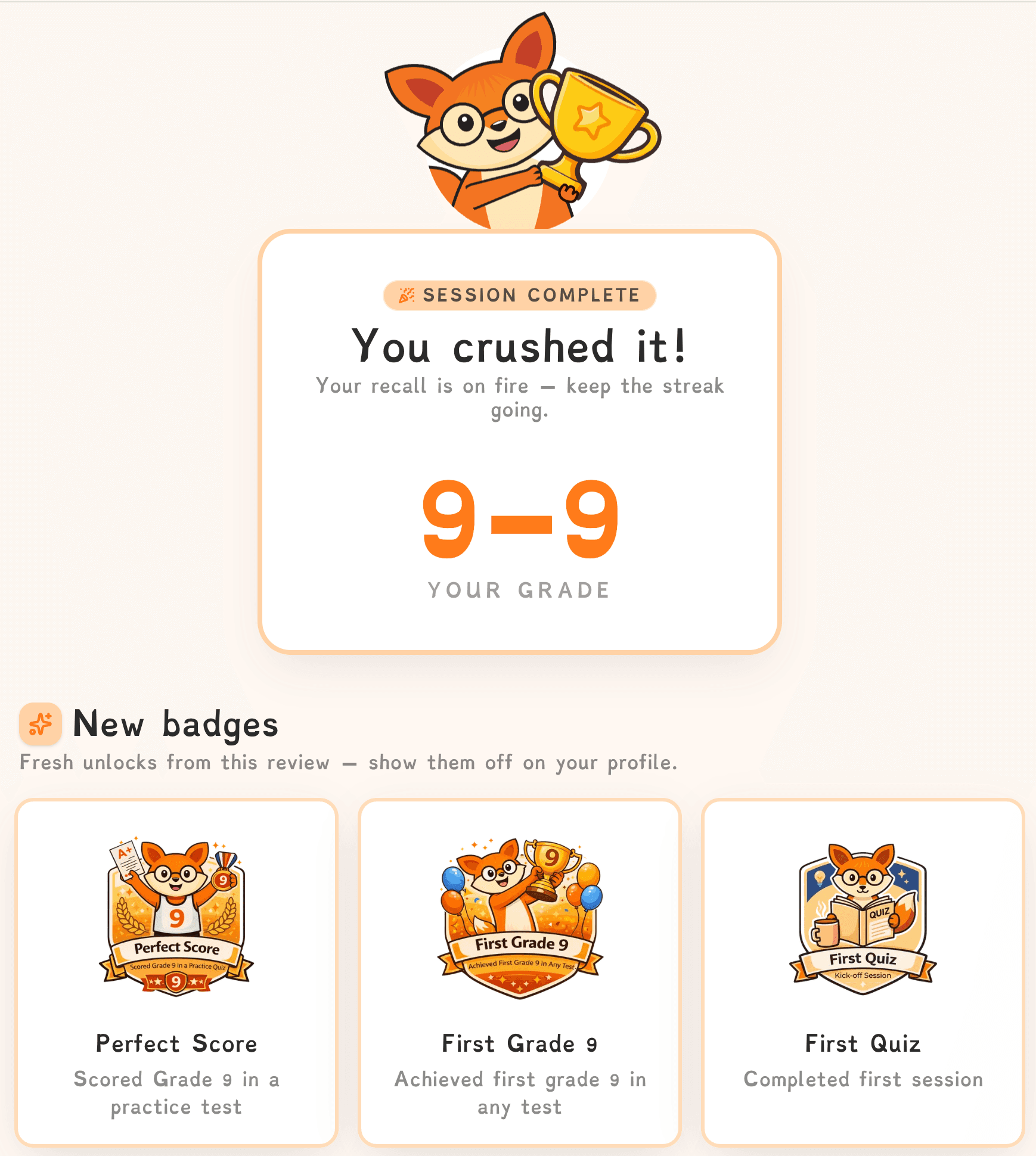
Stay Motivated
Earn badges, build revision streaks and choose to receive celebration emails you can share with your parents, similar to earning house points at school.
- Badges and streaks.
- Optional celebration emails.
Measurable Progress
FlashFox turns revision into visible progress.
The dashboard helps students see what is improving, what needs attention and what to revise next.
See what is improving, what needs attention and what to revise next.
Topic focus, trends, strengths and indicative grade estimates work together to help students revise more intentionally.

Topic by topic accuracy
See strengths and weaker topics at a glance.

Performance trends
Spot improvements over time instead of relying on guesswork.

Achievement badges
Reward consistency and effort, not just final scores.

Parent celebration emails
Share progress with parents when students choose to.
Topic focus
See which topics need more revision and where to improve.
Trends over time
Follow performance trends as you revise.
Badges and streaks
Build habits with streaks and celebrate progress.
Share with parents
Optional celebration emails when you choose.
Start revising today
Create your free account now
FlashFox helps students stay organised, focused and fully prepared with specification matched content, visual progress charts and motivation that feels encouraging.